Parts preparation — split flap display assembly
In this chapter we'll go over everything that should be done before you actually screw your module together.
Magnet Orientation
The small magnet that goes into the flat part of the drum has to be oriented correctly for the hall sensor to register it correctly.
In order to determine this orientation, the firmware comes with a small "Hall Debugging" feature. To use this, you have to
- Connect the sensor PCB to the controller PCB
- Power the controller PCB (using a 12V Power Source and a power injector board)
- Either
- Connect a Phone or Computer to the "flip forward ####" WiFi
- Point your browser to http://splitflap.local
- Enable Hall Debugging
- Or simply press the button on the controller PCB three times, that also enables the Hall Debugging Mode.
What happens is that the LED on the ESP8266 will light up if the hall sensor detects the magnet. Once you've determined the right "up" orientation, mark it using a sharpie or press-fit it right away into the flat part - and then do the test again. It's a hassle to remove the whole assembly again if you get this wrong, so make sure to get this right.
Either disable the Hall Debugging Mode in the Web UI or power cycle the controller (i.e. turn it off and on again.)
Set Screw Installation
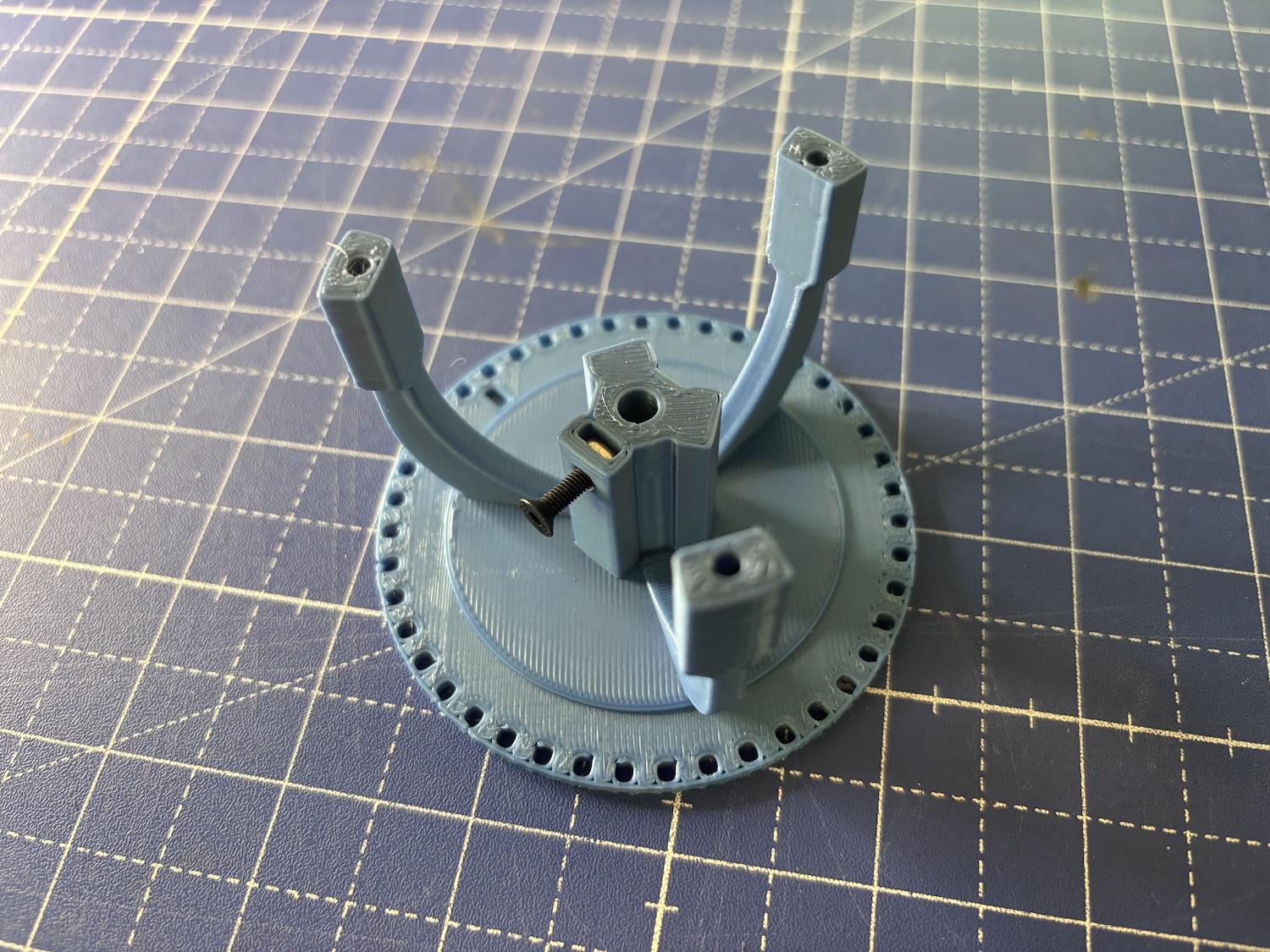
In order to fix the drum to the motor shaft, there's a slot for an M3 nut and a matching bolt that are used to create a solid connection between the drum and the motor. You should install this screw and nut before any further steps and make sure that the screw is almost reaching into the slot where the motor shaft goes. After installation, you can simply fix it then using 2-3 rotations.
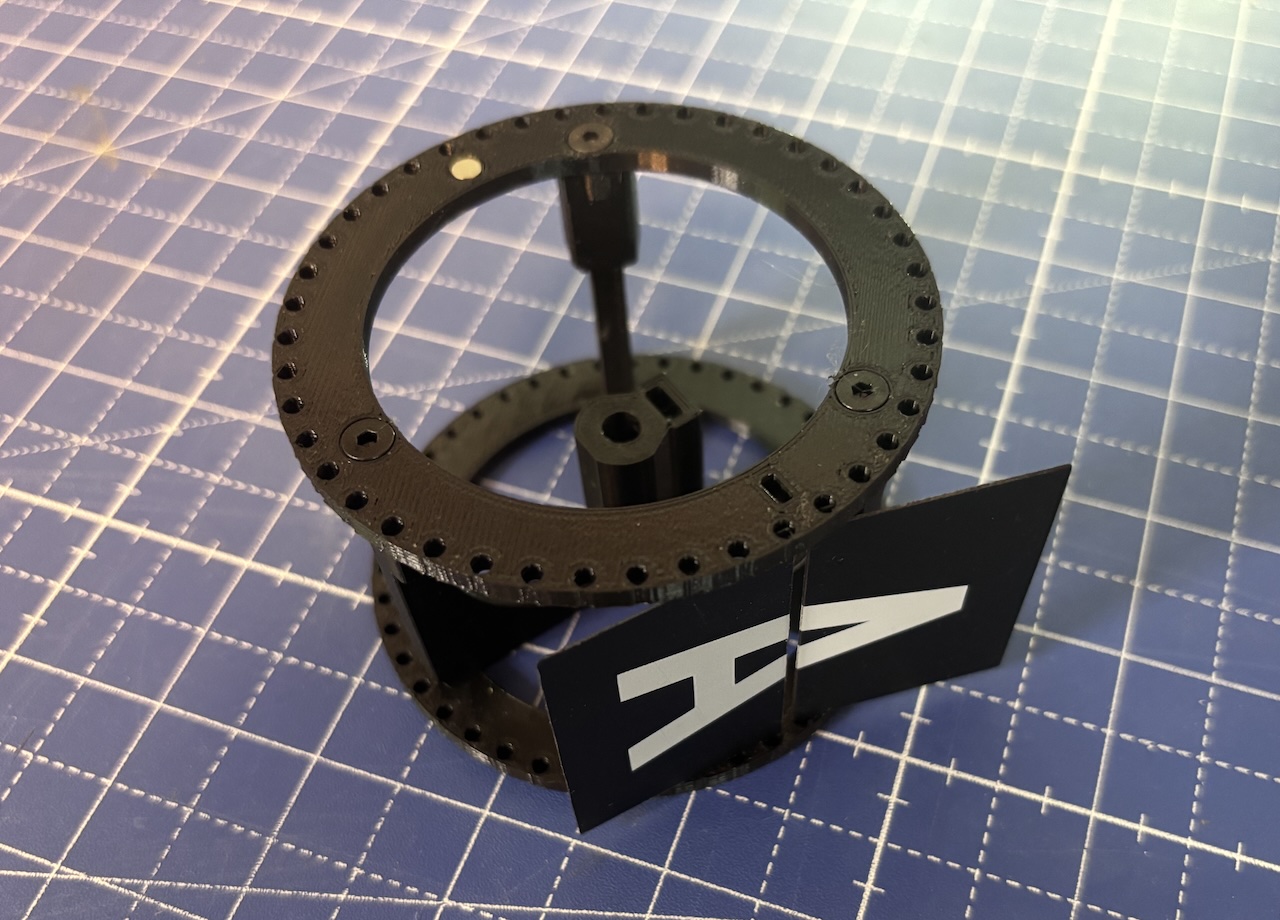
If you install the standard flaps so that the A aligns with the notch on the drum, the set screw is generally between L/M - so if you remove those flaps, you can easily tighten or lose it.
Flap Installation
Generally I recommend to install the flaps last - complete the module assembly, and then add the flaps to the already installed drum. The drum has, on both sides, a small rectangular notch - that's where the A goes. While the homing mechanic couldn't care less where the flaps start and end, it's making it easy to locate other features (like the set screw) - but of course, feel free to deviate from that best practice. The original reason for the notch was to avoid misaligning flaps.
The PVC flaps, as well as the 3D Printed ones, are generally robust. You can bend them a bit so they snap in place.